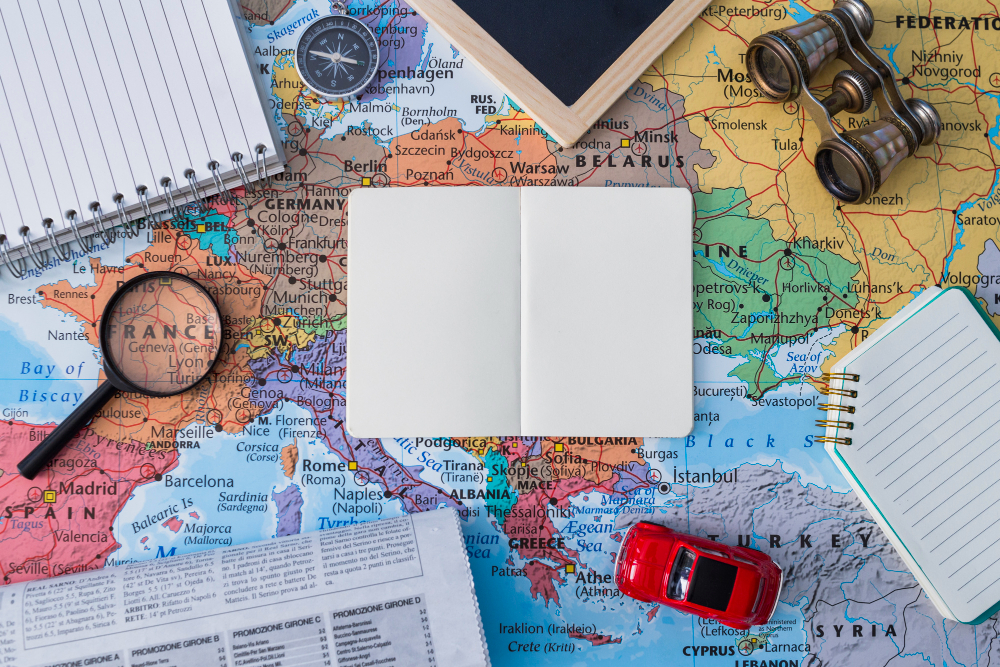
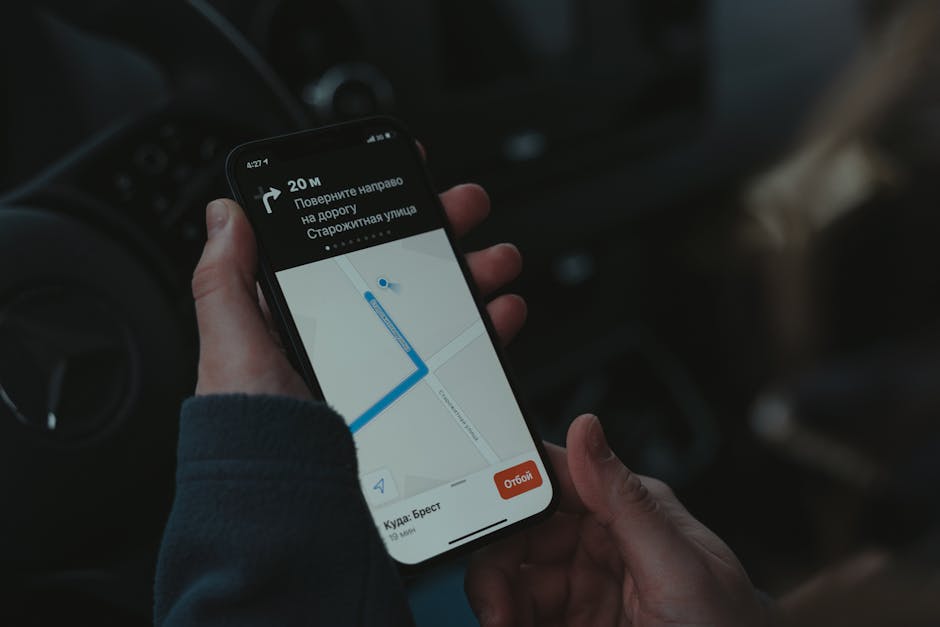
10 Essential Travel Tips For First-Time Map Users
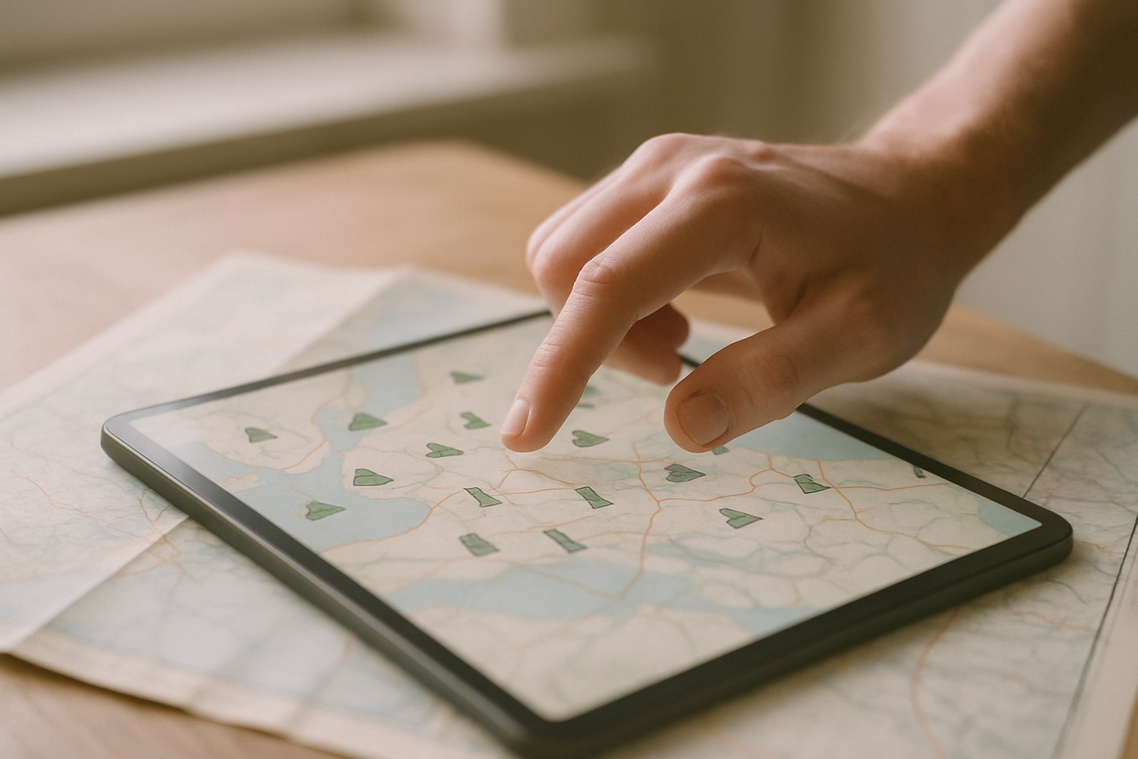
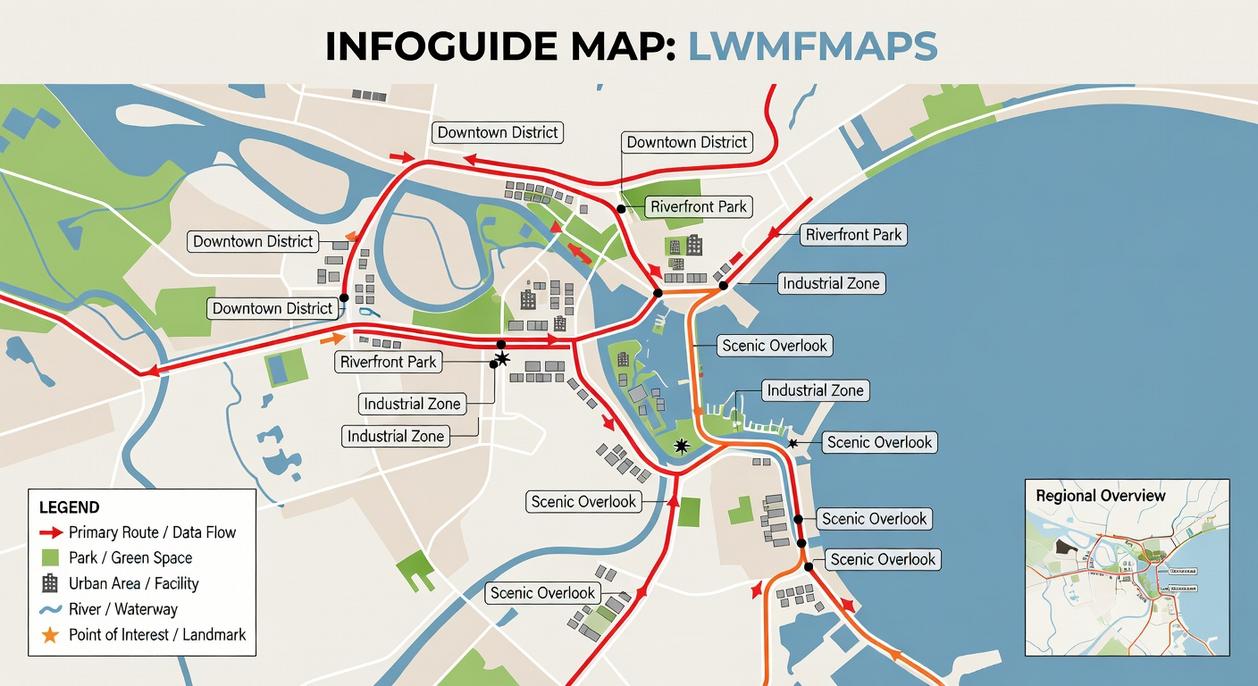
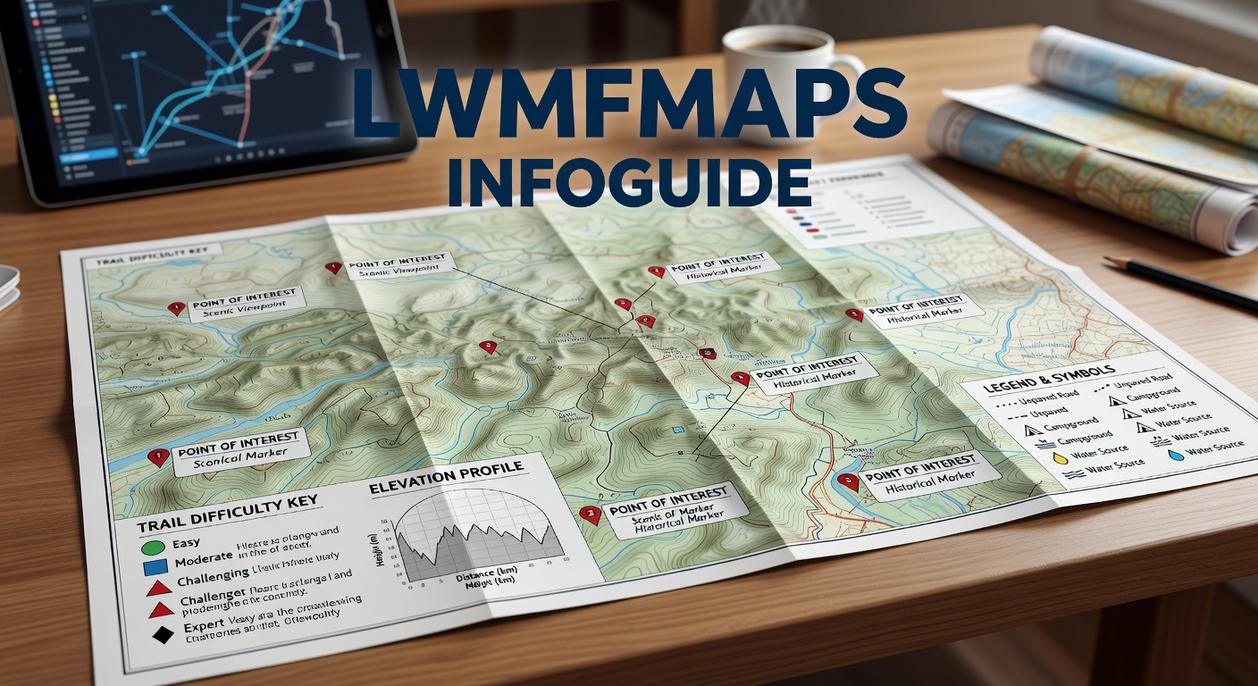
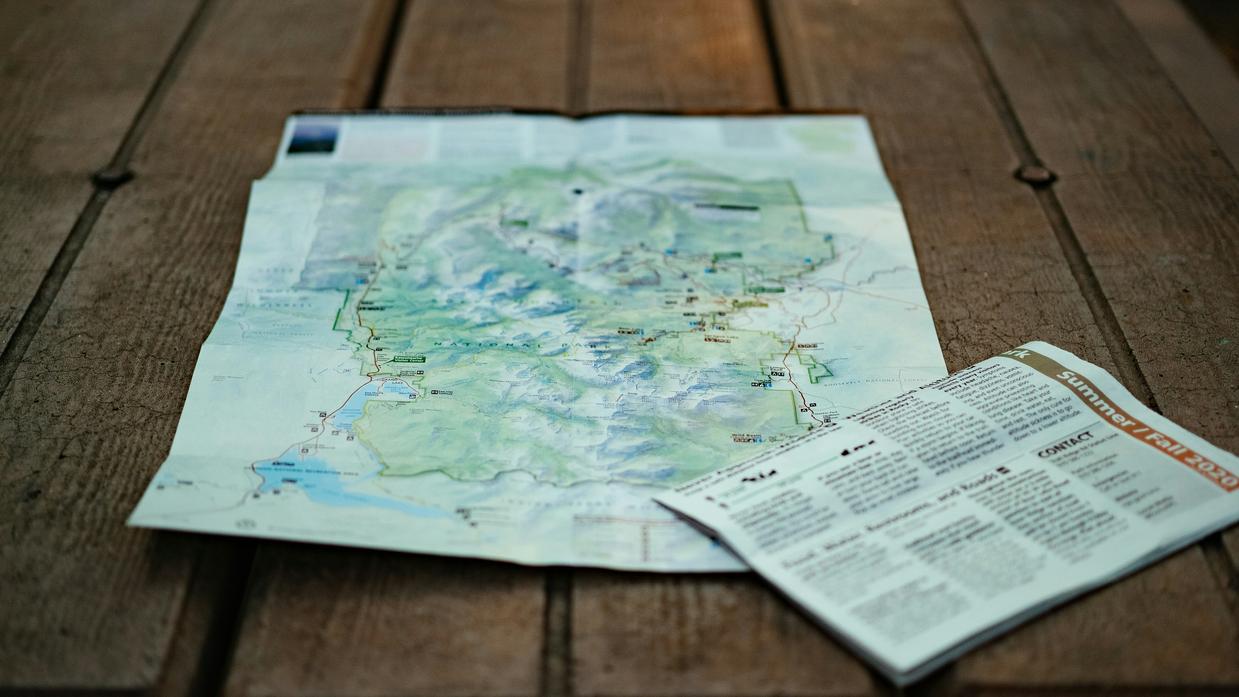
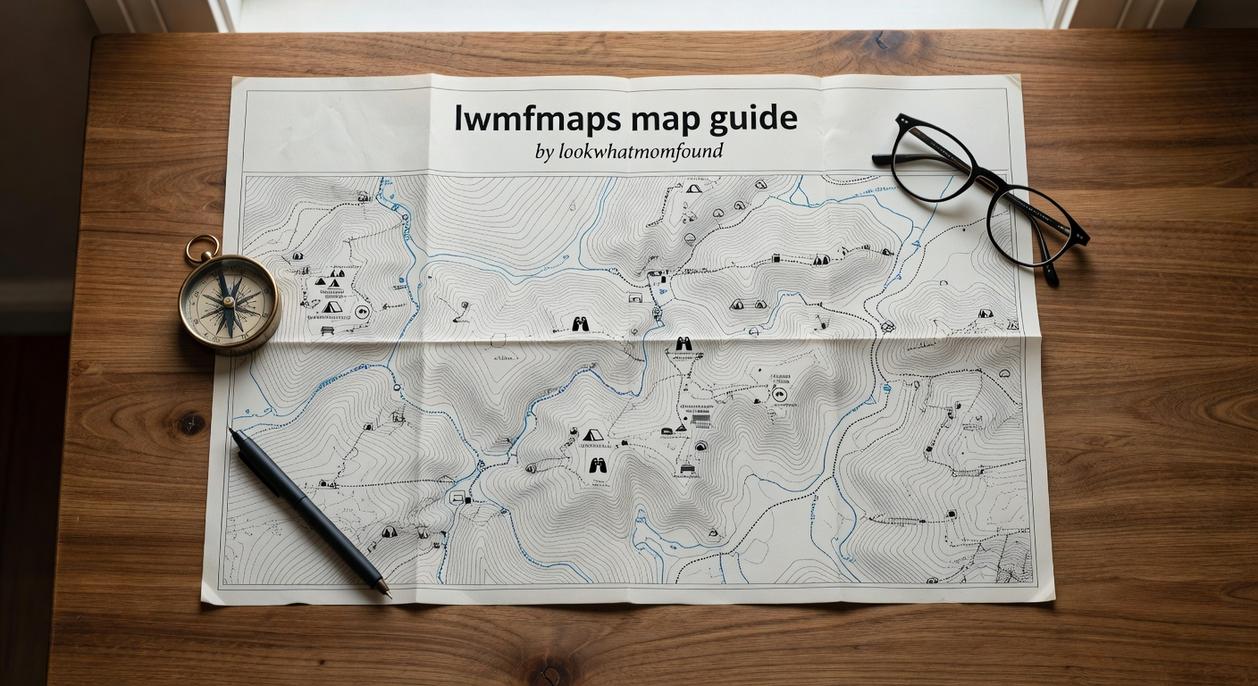
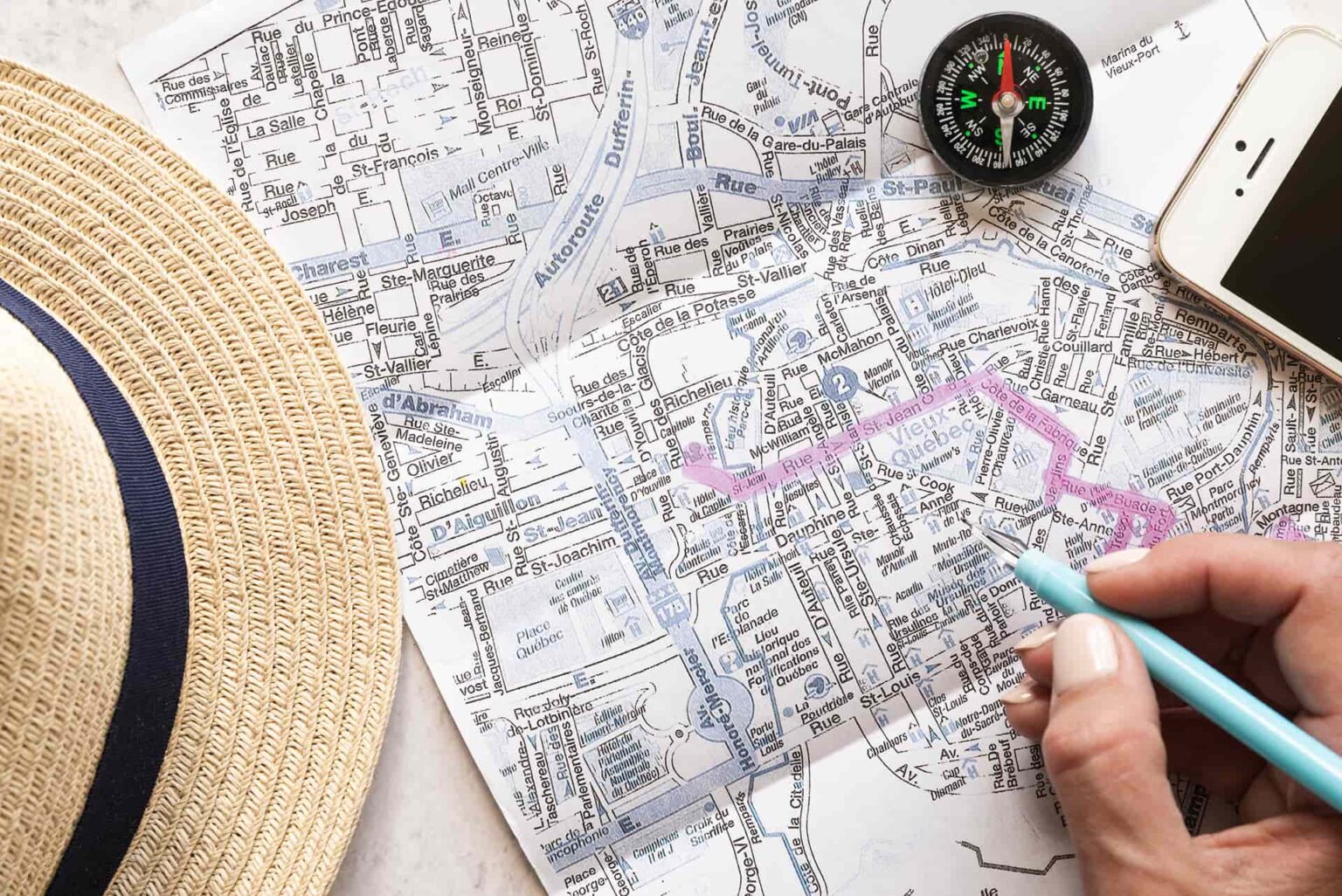
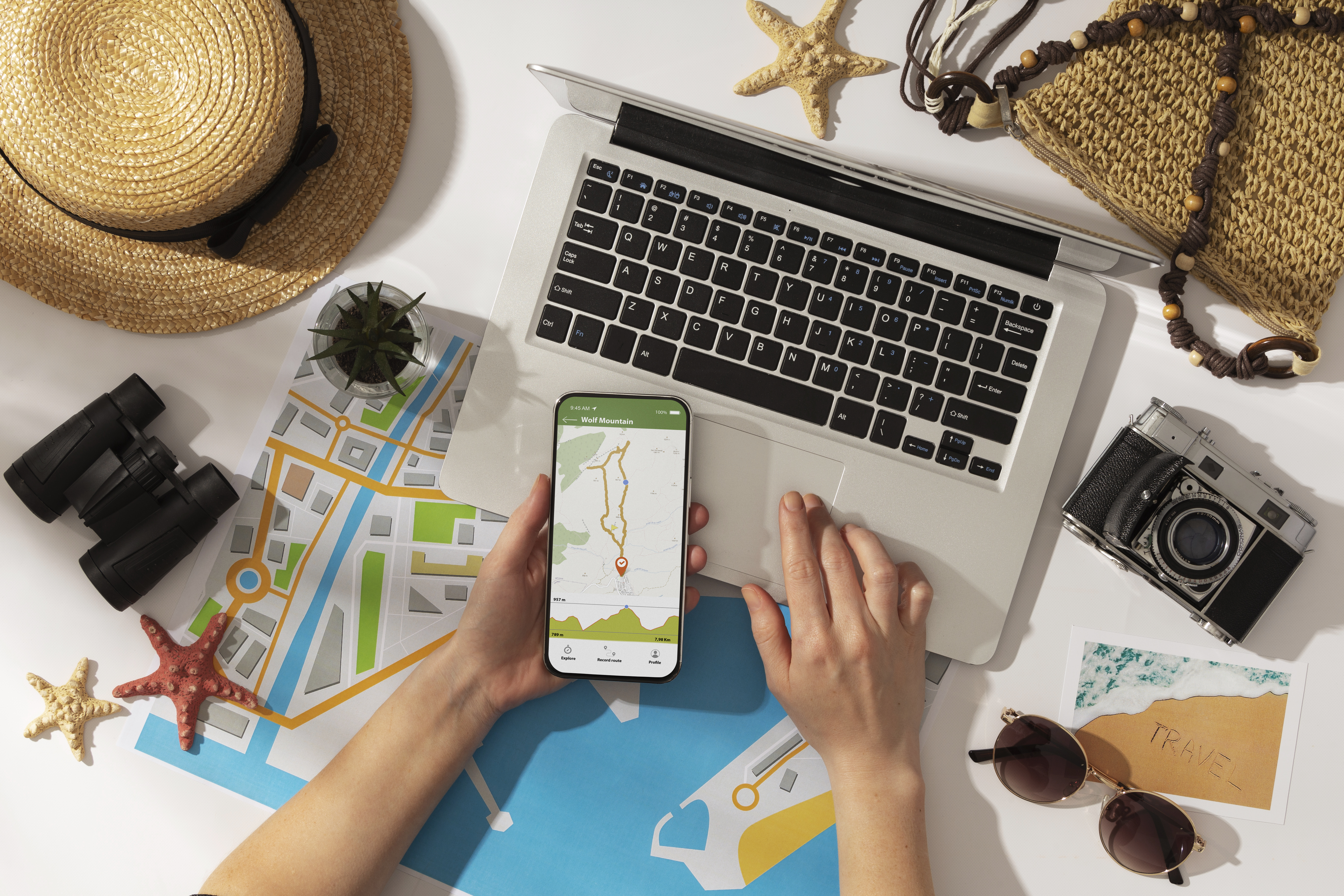
Know Your Map Types First things first maps aren’t one size fits all. Paper maps and digital maps both have their place, but each comes ...
Cultural Festivals To Explore With Map Guidance
Why Festivals Are Worth the Trip Festivals aren’t just events on a calendar they’re snapshots of culture in motion. Whether it’s a centuries old tradition ...

Smart Packing Tips For Map-Guided Journeys
Start With a Route First Mindset Before you even unzip your pack, get clear on where you’re going. Terrain, climate, and how you’re moving on ...
Using LWMFMaps To Plan Safe Cave Exploration
Know Before You Go Caves don’t care how experienced you are. If you’re not prepared, they will humble you. Detailed planning isn’t optional it’s your ...
Must-See Sites With LWMFMaps Navigation Support
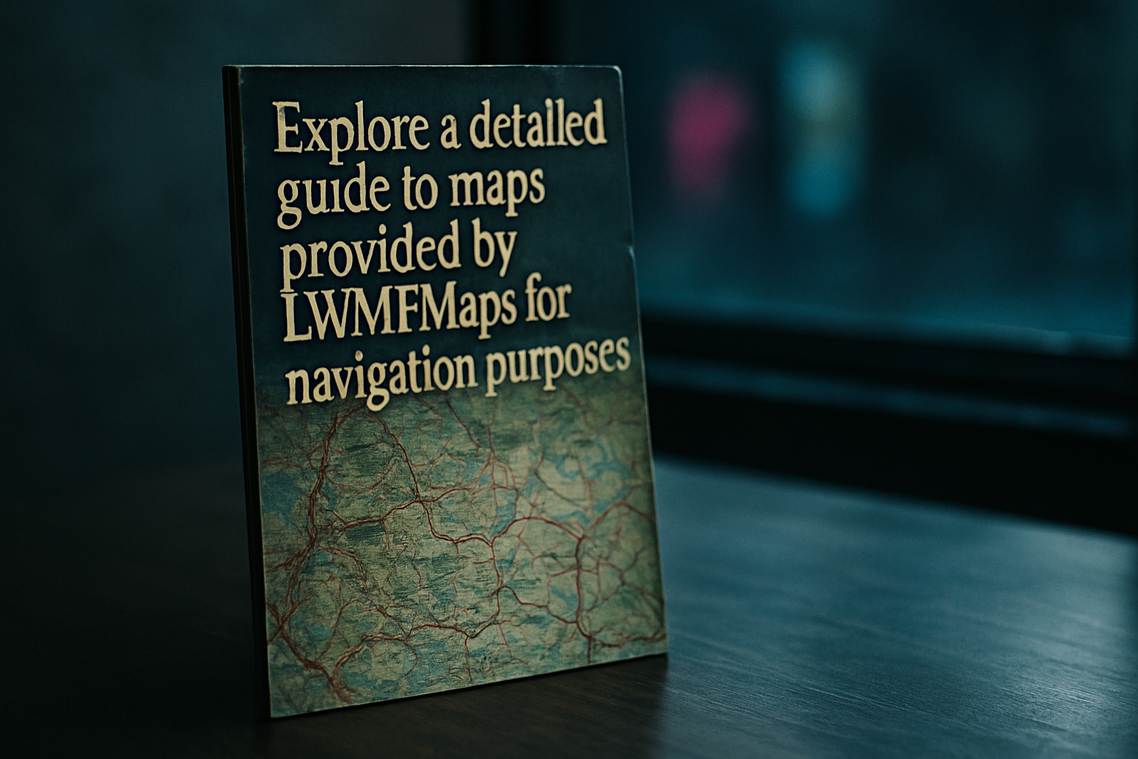
What Makes a Site “Must See” Now In 2024, getting lost is no longer charming it’s just a waste of time. Travelers want freedom, not ...
Best Features Of The LWMFMaps Navigation Guide
Designed for Simplicity LWMFMaps strips away the clutter. From the moment you open the app, it’s clear: speed and clarity come first. The interface is ...